Adafruit-GFX-Library

该类库为所有彩色屏幕的基础类库,安装方式:在Arduino的项目-加载库-库管理器中搜索Adafruit GFX Library,选择最新版本进行安装。Github下载地址
Arduino中的第三方库的存放地址可以在首选项-项目文件夹位置处查看,该路径下的libraries文件夹下即为第三方库的存放地址。

Arduino-ST7789-Library

该类库为ST7789的专用驱动库。Github下载地址
运行画直线的程序,用时约32.6s,太慢了,每次黑屏都要等半天!

1
2
3
4
5
6
7
8
9
10
11
12
13
14
15
16
17
18
19
20
21
22
23
24
25
26
27
28
29
30
31
32
33
34
35
36
37
38
39
40
41
42
43
44
45
46
47
48
49
50
51
52
53
54
55
56
57
58
59
60
61
62
63
64
65
66
67
68
69
70
71
72
73
74
75
76
77
78
79
80
81
82
83
84
85
86
87
88
89
90
91
92
93
94
95
96
97
98
99
100
101
102
103
104
105
106
107
108
109
110
111
112
113
114
115
116
117
118
119
120
121
122
123
124
125
126
127
128
129
130
131
132
133
134
135
136
137
138
139
#include <Adafruit_GFX.h>    // Core graphics library by Adafruit
#include <Arduino_ST7789.h> // Hardware-specific library for ST7789 (with or without CS pin)
#include <SPI.h>

#define TFT_DC 8
#define TFT_RST 7 //9
#define TFT_CS 9 //10 // only for displays with CS pin
#define TFT_MOSI 11 // for hardware SPI data pin (all of available pins)
#define TFT_SCLK 13 // for hardware SPI sclk pin (all of available pins)

#define w 240
#define h 240


Arduino_ST7789 tft = Arduino_ST7789(TFT_DC, TFT_RST, TFT_MOSI, TFT_SCLK, TFT_CS); //for display with CS pin

static inline uint32_t micros_start() __attribute__((always_inline));
static inline uint32_t micros_start()
{
uint8_t oms = millis();
while ((uint8_t)millis() == oms)
;
return micros();
}


void setup(){
Serial.begin(9600);
tft.init(w, h);
}

void loop(){
uint32_t start = micros_start();

tft.fillScreen(BLACK);
testLines();

uint32_t usecLines = micros() - start;
tft.setCursor(0, 20);
tft.setTextSize(3);
tft.setTextColor(RED);
tft.println("Cost Time:");

tft.setCursor(0, 50);
tft.setTextSize(4);
tft.setTextColor(RED);
tft.println(usecLines);

delay(60 * 1000L);
}

int32_t testLines()
{
uint32_t start;
int32_t x1, y1, x2, y2;

start = micros_start();

x1 = y1 = 0;
y2 = h - 1;
for (x2 = 0; x2 < w; x2 += 6)
{
tft.drawLine(x1, y1, x2, y2, BLUE);
}
#ifdef ESP8266
yield(); // avoid long run triggered ESP8266 WDT restart
#endif

x2 = w - 1;
for (y2 = 0; y2 < h; y2 += 6)
{
tft.drawLine(x1, y1, x2, y2, BLUE);
}
#ifdef ESP8266
yield(); // avoid long run triggered ESP8266 WDT restart
#endif

x1 = w - 1;
y1 = 0;
y2 = h - 1;
for (x2 = 0; x2 < w; x2 += 6)
{
tft.drawLine(x1, y1, x2, y2, BLUE);
}
#ifdef ESP8266
yield(); // avoid long run triggered ESP8266 WDT restart
#endif

x2 = 0;
for (y2 = 0; y2 < h; y2 += 6)
{
tft.drawLine(x1, y1, x2, y2, BLUE);
}
#ifdef ESP8266
yield(); // avoid long run triggered ESP8266 WDT restart
#endif

x1 = 0;
y1 = h - 1;
y2 = 0;
for (x2 = 0; x2 < w; x2 += 6)
{
tft.drawLine(x1, y1, x2, y2, BLUE);
}
#ifdef ESP8266
yield(); // avoid long run triggered ESP8266 WDT restart
#endif

x2 = w - 1;
for (y2 = 0; y2 < h; y2 += 6)
{
tft.drawLine(x1, y1, x2, y2, BLUE);
}
#ifdef ESP8266
yield(); // avoid long run triggered ESP8266 WDT restart
#endif

x1 = w - 1;
y1 = h - 1;
y2 = 0;
for (x2 = 0; x2 < w; x2 += 6)
{
tft.drawLine(x1, y1, x2, y2, BLUE);
}
#ifdef ESP8266
yield(); // avoid long run triggered ESP8266 WDT restart
#endif

x2 = 0;
for (y2 = 0; y2 < h; y2 += 6)
{
tft.drawLine(x1, y1, x2, y2, BLUE);
}
#ifdef ESP8266
yield(); // avoid long run triggered ESP8266 WDT restart
#endif

return micros() - start;
}

Arduino_GFX

安装方式:在Arduino的项目-加载库-库管理器中搜索GFX Library For Arduino,选择最新版本进行安装。Github下载地址
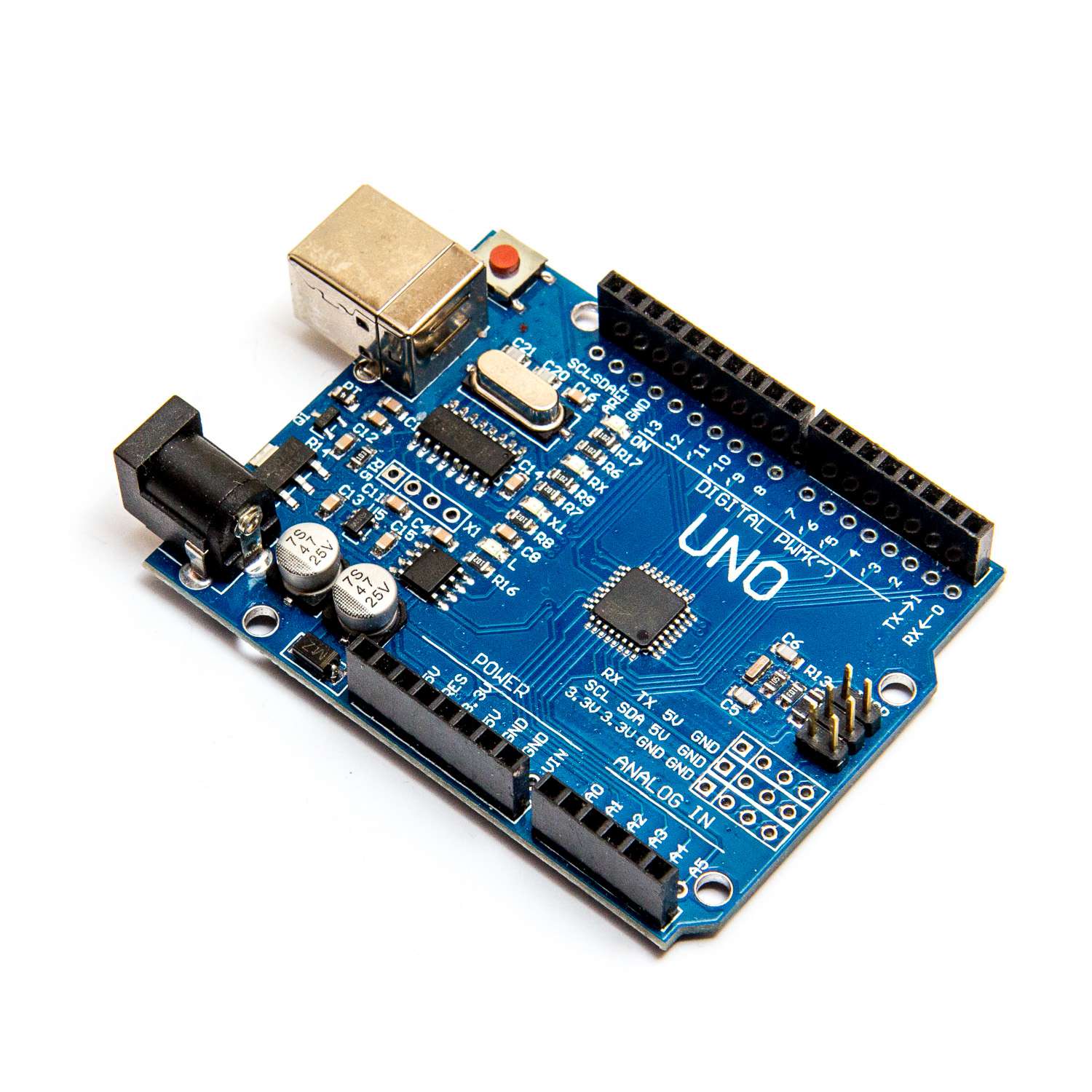
运行画直线的程序,用时约5.7s,速度超级快!在测试Arduino_GFX的时候还发生了一个小插曲,我连线明明是正确的,但屏幕没有任何反应,排了很久的bug,最后发现是我的arduino开发板有问题,果然太便宜了容易出问题,以后还是用正版的arduino开发板吧!

1
2
3
4
5
6
7
8
9
10
11
12
13
14
15
16
17
18
19
20
21
22
23
24
25
26
27
28
29
30
31
32
33
34
35
36
37
38
39
40
41
42
43
44
45
46
47
48
49
50
51
52
53
54
55
56
57
58
59
60
61
62
63
64
65
66
67
68
69
70
71
72
73
74
75
76
77
78
79
80
81
82
83
84
85
86
87
88
89
90
91
92
93
94
95
96
97
98
99
100
101
102
103
104
105
106
107
108
109
110
111
112
113
114
115
116
117
118
119
120
121
122
123
124
125
126
127
128
129
130
131
132
133
134
135
136
137
138
139
140
141
142
143
144
145
146
#include <Arduino_GFX_Library.h>
int32_t w, h;

/* More dev device declaration: https://github.com/moononournation/Arduino_GFX/wiki/Dev-Device-Declaration */
#if defined(DISPLAY_DEV_KIT)
Arduino_GFX *gfx = create_default_Arduino_GFX();
#else /* !defined(DISPLAY_DEV_KIT) */

/* More data bus class: https://github.com/moononournation/Arduino_GFX/wiki/Data-Bus-Class */
Arduino_DataBus *bus = create_default_Arduino_DataBus();

/* More display class: https://github.com/moononournation/Arduino_GFX/wiki/Display-Class */
Arduino_GFX *gfx = new Arduino_ST7789(bus, DF_GFX_RST, 0 /* rotation */, true /* IPS */);

#endif /* !defined(DISPLAY_DEV_KIT) */

static inline uint32_t micros_start() __attribute__((always_inline));
static inline uint32_t micros_start()
{
uint8_t oms = millis();
while ((uint8_t)millis() == oms)
;
return micros();
}

void setup(){
Serial.begin(9600);
gfx->begin();
w = gfx->width();
h = gfx->height();

#ifdef DF_GFX_BL
pinMode(DF_GFX_BL, OUTPUT);
digitalWrite(DF_GFX_BL, HIGH);
#endif
}

void loop(){
uint32_t start = micros_start();

gfx->fillScreen(BLACK);
testLines();

uint32_t usecLines = micros() - start;

gfx->setCursor(0, 20);
gfx->setTextSize(3);
gfx->setTextColor(RED);
gfx->println(F("Cost Time:"));

gfx->setCursor(0, 50);
gfx->setTextSize(4);
gfx->setTextColor(RED);
gfx->println(usecLines);

delay(60 * 1000L);
}

int32_t testLines()
{
uint32_t start;
int32_t x1, y1, x2, y2;

start = micros_start();

x1 = y1 = 0;
y2 = h - 1;
for (x2 = 0; x2 < w; x2 += 6)
{
gfx->drawLine(x1, y1, x2, y2, BLUE);
}
#ifdef ESP8266
yield(); // avoid long run triggered ESP8266 WDT restart
#endif

x2 = w - 1;
for (y2 = 0; y2 < h; y2 += 6)
{
gfx->drawLine(x1, y1, x2, y2, BLUE);
}
#ifdef ESP8266
yield(); // avoid long run triggered ESP8266 WDT restart
#endif

x1 = w - 1;
y1 = 0;
y2 = h - 1;
for (x2 = 0; x2 < w; x2 += 6)
{
gfx->drawLine(x1, y1, x2, y2, BLUE);
}
#ifdef ESP8266
yield(); // avoid long run triggered ESP8266 WDT restart
#endif

x2 = 0;
for (y2 = 0; y2 < h; y2 += 6)
{
gfx->drawLine(x1, y1, x2, y2, BLUE);
}
#ifdef ESP8266
yield(); // avoid long run triggered ESP8266 WDT restart
#endif

x1 = 0;
y1 = h - 1;
y2 = 0;
for (x2 = 0; x2 < w; x2 += 6)
{
gfx->drawLine(x1, y1, x2, y2, BLUE);
}
#ifdef ESP8266
yield(); // avoid long run triggered ESP8266 WDT restart
#endif

x2 = w - 1;
for (y2 = 0; y2 < h; y2 += 6)
{
gfx->drawLine(x1, y1, x2, y2, BLUE);
}
#ifdef ESP8266
yield(); // avoid long run triggered ESP8266 WDT restart
#endif

x1 = w - 1;
y1 = h - 1;
y2 = 0;
for (x2 = 0; x2 < w; x2 += 6)
{
gfx->drawLine(x1, y1, x2, y2, BLUE);
}
#ifdef ESP8266
yield(); // avoid long run triggered ESP8266 WDT restart
#endif

x2 = 0;
for (y2 = 0; y2 < h; y2 += 6)
{
gfx->drawLine(x1, y1, x2, y2, BLUE);
}
#ifdef ESP8266
yield(); // avoid long run triggered ESP8266 WDT restart
#endif

return micros() - start;
}

TFT_eSPI

在Arduino的库管理器中搜索TFT_eSPI,安装最新版本。Github下载地址经测试,这个库太大了,arduino uno开发板无法成功上传。

参考内容